

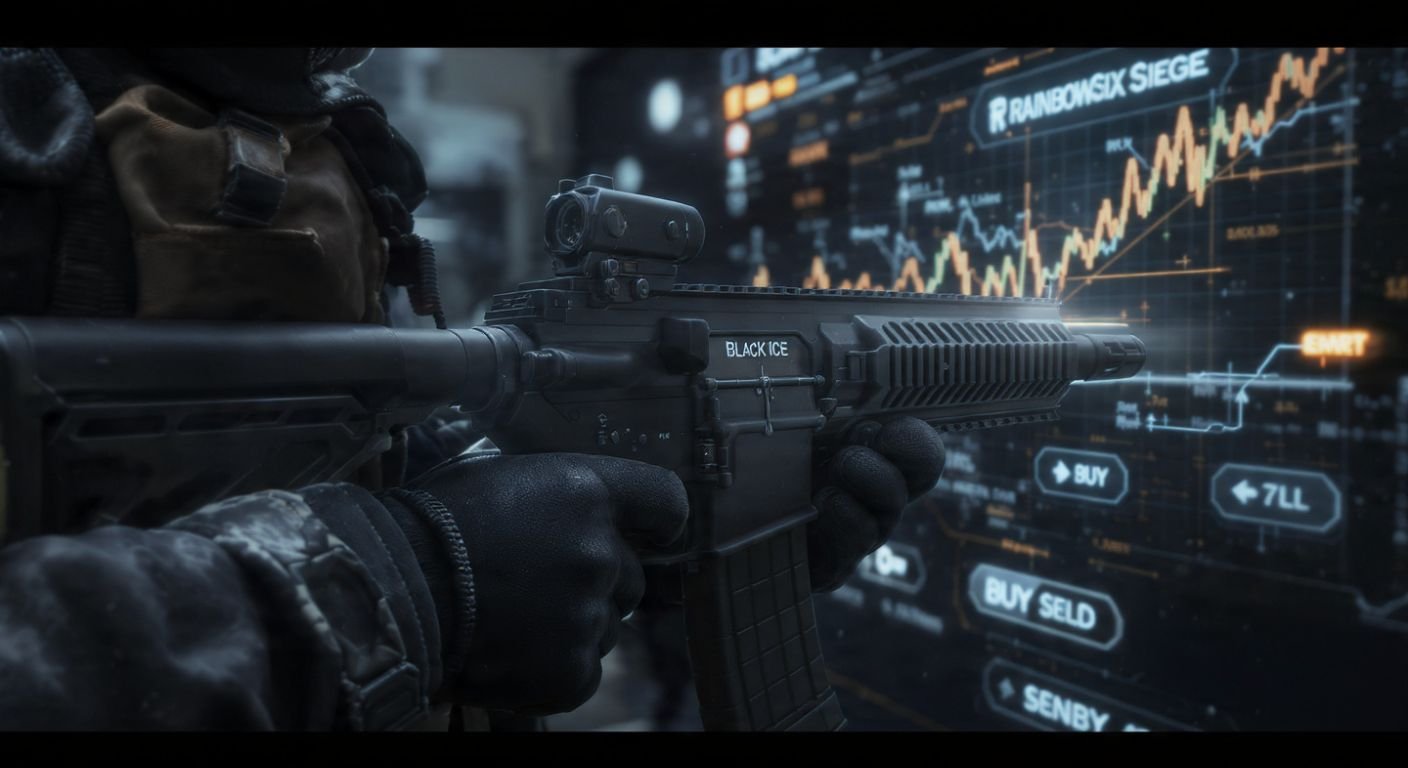
If you’ve been playing Rainbow Six Siege for a while, you probably have an inventory full of skins, charms, and uniforms gathering dust. Or maybe you missed out on that specific Black Ice skin for the MP5 years ago and have been kicking yourself ever since.
For a long time, Siege players were stuck with what they had. If you missed a Battle Pass or a seasonal event, those items were effectively gone forever. But everything changed with the introduction of the R6 Marketplace.
This platform has completely shifted how we value our in-game lockers. It’s not just about what you unlock anymore; it’s about what you can trade. Having spent countless hours browsing listings and watching prices fluctuate, I can tell you that understanding this system is key to building the loadout you actually want without relying solely on Alpha Pack luck.
Here is everything you need to know about navigating the R6 Marketplace safely and effectively.
What Is the Rainbow Six Siege Marketplace?
The R6 Marketplace is an official web-based platform developed by Ubisoft. It allows players to buy and sell eligible in-game items using R6 Credits. Think of it like the Steam Community Market, but specifically tailored for the Siege ecosystem.
Before this existed, your only option for getting old skins was hoping for a lucky re-release in the in-game shop or pulling them from an Alpha Pack. Now, the economy is in the hands of the players. If someone has a skin they don’t want, they can list it. If you have credits and want that skin, you can buy it directly from them.
What Can You Find Here?
The marketplace catalog is massive, though not every single item in the game is tradable yet. Currently, you can find:
- Weapon Skins: From common camos to the highly coveted Glacier and Gold Dust skins.
- Headgear and Uniforms: Complete your operator’s look with pieces from past collections.
- Charms: Everything from streamer charms to ranked rewards.
- Card Backgrounds and Portraits: Customize your operator card for the loading screen.
It’s important to note that you are trading with other players, not Ubisoft directly. Ubisoft facilitates the transaction, but the prices are dictated by supply and demand.
How to Access the R6 Marketplace
Access isn’t automatic for everyone. Ubisoft has put strict gates in place to prevent botting and ensure that the economy remains stable for legitimate players.
Eligibility Requirements
To start trading, you can’t just create a fresh account today and hop in. You need to meet specific criteria:
- Clearance Level: You must be at least Clearance Level 25. This ensures you’ve actually played the game and aren’t a throwaway bot account.
- Two-Factor Authentication (2FA): This is non-negotiable. You must have 2FA enabled on your Ubisoft Connect account. If you haven’t set this up yet, do it immediately—not just for the marketplace, but for your account security in general.
- Good Standing: Accounts with sanctions (bans for toxicity or cheating) are often restricted from using the marketplace.
Step-by-Step Guide to Accessing the Marketplace
Once you meet the requirements, getting in is straightforward:
- Visit the Official Site: Go to the official Rainbow Six Siege Marketplace website via Ubisoft’s portal.
- Log In: Use your Ubisoft Connect credentials.
- Check Status: If you are eligible, you will see the main dashboard with featured items. If you are not eligible, you will receive a notification explaining why (usually a missing 2FA setup or level requirement).
- Sync: Your inventory should sync automatically, showing you which of your items are eligible for sale.
How to Buy, Sell, and Trade Items
The interface is clean, but the mechanics can be a bit tricky if you aren’t used to market economies. Here is how to handle your credits wisely.
Buying Items
Buying is the easy part, but “sniping” a good deal takes patience.
- Browse or Search: Use the search bar if you know exactly what you want (e.g., “R4-C Black Ice”). Filters are your best friend here; filter by operator, weapon type, or rarity to narrow down the thousands of listings.
- Place an Order: You create a “Buy Order.” You enter the maximum price you are willing to pay. The system will then try to match you with the lowest available seller price that fits your budget.
- Transaction: If a match is found, the credits are deducted, and the item appears in your inventory almost instantly.
Pro Tip: Don’t just pay the asking price immediately if it seems high. Check the price history graph (if available) or look at the range of current offers. Sometimes waiting a few hours can save you hundreds of credits.
Selling Items
Selling is where you can make serious credits, especially if you have been playing since Year 1 or 2.
- Select an Item: Go to the “Sell” tab to view your tradable inventory.
- Set Your Price: This is crucial. If you set it too high, it will sit there forever. If you set it too low, you lose potential profit. Look at the current “Minimum Price” listings for that item and price yours competitively.
- Listing Duration: Your listing will stay active for 30 days. If it doesn’t sell by then, it expires, and the item returns to your locker.
- Fees: Remember that there is a transaction fee (usually 10%) taken by Ubisoft on every sale. If you list an item for 1000 credits, you won’t receive exactly 1000 credits. Factor this into your pricing.
Trading Tips
There is no direct “trade” feature where I give you Item A for your Item B. Everything goes through credits.
- Watch for Trends: Prices often dip when a new season launches because players sell skins to buy the new Battle Pass. That is the best time to buy.
- Sell the Hype: If an operator gets a massive buff, their skins often spike in price. Sell during these spikes.
Popular Items in the R6 Marketplace
If you are looking to invest or just want the coolest gear, certain items dominate the economy.
Top Weapon Skins
The “Holy Grail” items usually fall into a few specific categories:
- Glacier: Released back in Year 1 Season 1, this is arguably the most expensive and sought-after skin line.
- Gold Dust: Another extremely rare vintage skin.
- Black Ice: While common in Alpha Packs now, specific Black Ice skins for new guns or primary weapons still hold decent value and move quickly.
- 3D Skins: The newer skins that alter the geometry of the weapon are becoming increasingly popular.
Seasonal Collectibles
Old seasonal skins that were universal (equippable on all guns available at that time) are huge. Skins like Crossfader, Leon Furioso, and Chupinazo fetch high prices because they have unique textures that modern skins rarely replicate.
Security and Safety Tips
Whenever real money (or currency bought with real money) is involved, you need to be careful.
Enabling Two-Factor Authentication
I mentioned this earlier, but I cannot stress it enough. Use an authenticator app (like Google Authenticator) rather than email verification if possible. It is more secure and faster when you are trying to log in quickly.
Avoiding Scams
Because the marketplace is web-based, it is a prime target for phishing.
- Check the URL: Only log in at the official
ubisoft.comdomain. Beware of links sent in Discord DMs or Twitter messages promising “free credits” or “glitched items.” - No Direct Trades: Anyone asking you to “send them the item first” and promising to pay you later is scamming you. The system does not support this. All transactions must happen through the official buy/sell order buttons.
- Ignore “Admin” Messages: Ubisoft support will never ask for your password or ask you to trade items to a “verification bot.”
Frequently Asked Questions
Can I transfer credits to a friend using the marketplace?
No. You cannot transfer credits directly. While you could theoretically list a cheap item for a high price for a friend to buy, this is risky. The system prioritizes the lowest priced orders, so your friend might end up buying someone else’s item, or someone else might snipe your listing. It’s not recommended.
Why can’t I sell certain items?
Not every item is eligible for resale. Items from the current season’s Battle Pass usually have a waiting period before they become tradable. Additionally, some exclusive rewards (like Ranked charms) may be permanently locked to your account.
Does the marketplace work on console?
Yes! The marketplace is cross-platform regarding your inventory. Since Siege has cross-progression, your inventory is shared across PC, Xbox, and PlayStation. You access the marketplace via a web browser on your phone or computer, and the changes reflect on your console account.
How long does it take to get my credits after a sale?
It is usually instant. Once the transaction completes, you should see the notification and the balance update. However, during high-traffic times, there might be a slight delay of a few minutes.
Final Thoughts
The R6 Marketplace is a fantastic addition to Rainbow Six Siege. It rewards veteran players for their loyalty by giving value to their old inventories, and it gives newer players a path to obtain skins they thought were lost to history.
My advice? Start small. Sell a few unused Black Ices or duplicate charms to build up a credit balance. Learn the flow of the market before you try to flip high-tier items like Glacier skins. It’s a game within a game, and if you play it right, your operators will look better than ever without you having to spend any extra real-world money.
Good luck with your trades, and I’ll see you in the lobby.