

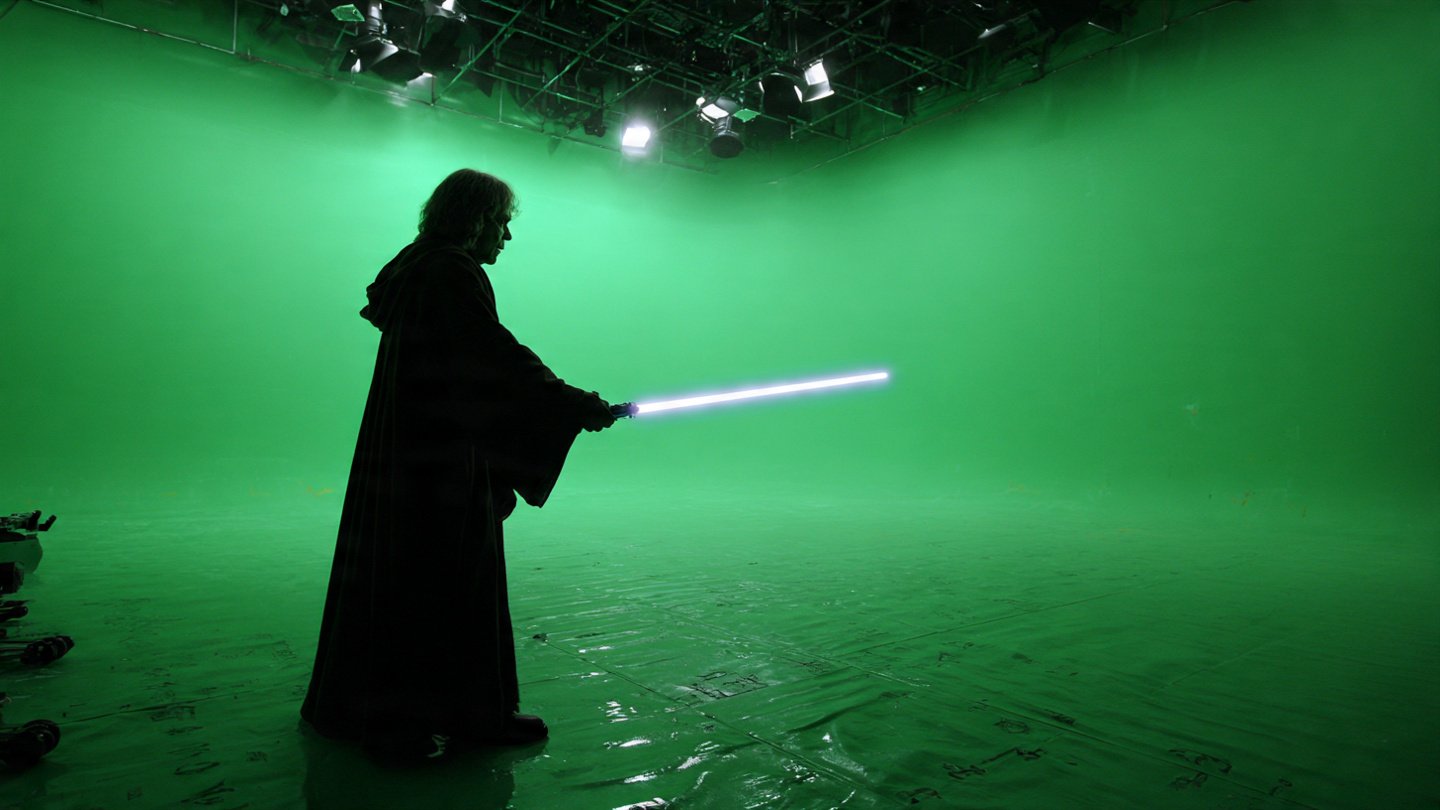
If you’ve recently searched for star wars movie fx maker codes, you’re probably trying to unlock effects, revisit the old app, or simply figure out whether the codes still work today. I’ve spent time testing older AR apps, including the one connected to the toys released by Hasbro and inspired by the Star Wars universe. What I discovered is that many people still want the same things: a real code list, clear instructions, and honest answers about whether the system still functions.
This guide breaks everything down in a practical way — how the codes worked, examples of effects people unlocked, and what you can realistically expect if you try them today.
What Are Star Wars Movie FX Maker Codes?
Star Wars Movie FX Maker codes were special unlock codes connected to toys and packaging from the Star Wars Studio FX / Movie FX Maker system. These codes allowed users to unlock visual effects inside the mobile app.
Instead of entering text codes manually, most of them were:
- QR-style codes printed on toy boxes
- Unlock cards included with figures or props
- Scannable patterns used by the app
When scanned, the app added new special effects that you could apply to videos you recorded.
How the FX Maker System Worked
The system was built around a simple idea: record a video, then add movie-style effects on top of it.
Typical workflow looked like this:
- Open the FX Maker app.
- Record a short scene with your phone camera.
- Scan a code or unlock effect.
- Place the effect on the timeline.
- Export the clip.
At the time, this felt surprisingly advanced for a mobile AR tool.
The Role of QR Codes and Toys
Many codes came with toys such as:
- Lightsabers
- Blasters
- Character packs
- Droid figures
Each toy unlocked a specific category of effects.
Why the App Became Popular
There were a few reasons the app gained attention:
- It allowed fans to create Star Wars-style scenes easily.
- Kids and YouTubers used it for short action videos.
- The effects were simple but fun to experiment with.
Even today, people search for the codes because the concept still appeals to creators.
Do Star Wars Movie FX Maker Codes Still Work in 2025?
This is one of the most common questions people ask.
The honest answer: it depends on the device and app version.
Current Status of the App
The app is no longer actively supported or updated in most app stores. That means:
- Some users cannot download it anymore.
- Older installs may still work.
- Certain features may not connect properly.
Why Some Codes No Longer Activate
There are a few reasons codes may fail today:
- The app servers were discontinued.
- New operating systems block older AR features.
- Camera permissions or scanning tools changed.
Devices Where the App May Still Work
Based on testing and community feedback, it tends to work best on:
- Older Android devices
- Phones running earlier OS versions
- Devices that still have the original app installed
Newer phones sometimes struggle with scanning or launching the effects library.
Complete List of Star Wars Movie FX Maker Codes
Below is a general breakdown of the types of codes people commonly used. Many lists online share the same sets of effects tied to toy packs.
Lightsaber FX Codes
These were among the most popular unlocks.
Common effects included:
- Blue lightsaber blade
- Red Sith lightsaber
- Green Jedi saber
- Purple lightsaber
- Double-bladed saber spin
Creators usually recorded a simple swing motion and then added the glowing blade afterward.
Blaster and Battle FX Codes
These effects added action to scenes.
Examples:
- Blaster shot animation
- Laser impact effects
- Rapid-fire blaster
- Stormtrooper attack overlay
- Explosion bursts
These worked best when filming short action clips.
Force Powers Codes
Many fans searched specifically for these codes.
Typical effects:
- Force push wave
- Force lightning
- Object levitation
- Energy shockwave
These effects were usually triggered by hand movements in the video.
Starship and Space Battle Codes
These were less common but very popular when unlocked.
Examples included:
- X-Wing flyby
- TIE fighter attack
- Hyperspace jump
- Starship laser barrage
The trick was filming open sky or wide shots.
Character and Droid Codes
Some packs unlocked animated characters.
These sometimes included:
- BB-8 rolling animation
- Darth Vader entrance effect
- Rey action animation
- Stormtrooper battle stance
Not every code list online is accurate, which is why many users end up searching again.
How to Use Star Wars Movie FX Maker Codes
If you manage to run the app, here’s the process most users followed.
Step-by-Step Guide
- Open the FX Maker app.
- Record a short video clip.
- Go to the effects or unlock section.
- Scan the code using the camera.
- Select the unlocked effect.
- Place it on the video timeline.
- Export your video.
Tips for Best Results
From experience, these small tweaks make a big difference:
Use bright lighting
The app tracks movement better in well-lit environments.
Keep movements simple
Fast movements sometimes confuse the effect placement.
Plan the scene first
Think about where the effect will appear before filming.
Where to Find Real FX Maker Codes
People searching for star wars movie fx maker codes often run into fake lists, so it helps to know where genuine ones originally came from.
Toy Packaging and Official Sources
The most reliable codes came from:
- Original toy packaging
- Instruction manuals
- Insert cards included in sets
Fan Communities and Forums
Collectors and fans sometimes share scans of:
- Old packaging
- Code cards
- Working code images
However, results vary depending on device compatibility.
YouTube Tutorials and Code Lists
Many creators uploaded videos demonstrating:
- Working effects
- Code scans
- Example scenes
These can still be useful references.
Beware of Fake Star Wars FX Maker Code Generators
A lot of websites claim to generate unlimited codes, but these are rarely legitimate.
Common Scam Websites
Typical warning signs include:
- Random code generators
- Download links unrelated to the app
- Surveys required to unlock codes
Signs a Code Is Fake
Look out for:
- Codes not tied to a toy
- Text codes instead of scannable patterns
- Repeated or copied lists across many websites
Safe Ways to Search for Codes
The safest sources are:
- Original packaging scans
- Fan archives
- Community discussions
Why People Still Search for Star Wars Movie FX Maker Codes
Even though the app is old, interest hasn’t disappeared.
Nostalgia and Old YouTube Videos
Many people rediscover the app after watching:
- Old FX Maker videos
- DIY Star Wars effects tutorials
- Retro mobile app reviews
Collectors and Toy Fans
Some collectors want to unlock every effect connected to their toy sets.
Content Creators and DIY Filmmakers
Beginner creators often look for simple tools to make sci-fi effects without complicated software.
Troubleshooting: If Your FX Maker Codes Don’t Work
If you try using codes and nothing happens, here are the most common issues.
App Compatibility Problems
The app may not run correctly on newer operating systems.
Possible fix:
- Try using an older device.
QR Code Scanning Issues
Sometimes the app fails to detect codes because:
- Lighting is too low
- Camera permissions are disabled
- The code image is blurry
Device Limitations
Some devices cannot process AR overlays properly anymore.
In that case, the codes may still scan but effects won’t render correctly.
Best Alternatives to Star Wars Movie FX Maker Today
If your goal is to create Star Wars-style effects, there are now better tools available.
Mobile Apps for Sci-Fi Effects
Modern video apps offer:
- AR filters
- Energy effects
- Laser animations
Video Editing Software With Presets
Editing tools now include:
- Motion tracking
- Particle effects
- Cinematic overlays
These often produce much more realistic results.
AR Effects Tools
Some AR platforms now allow:
- Custom lightsaber effects
- Hologram overlays
- Force-style animations
These tools are more advanced than the original FX Maker app.
Pro Tips to Create Realistic Star Wars Effects Without Codes
If you enjoy making effects videos, here are practical techniques that work surprisingly well.
Lightsaber Editing Tricks
Film with a stick or prop, then add glow effects during editing.
Sound Design for Blasters
Sound effects dramatically improve realism.
Try layering:
- Laser sounds
- Echo effects
- Impact sounds
Cinematic Camera Techniques
Small camera tricks can make a big difference:
- Slow camera pans
- Low-angle shots
- Dramatic pauses before action
Frequently Asked Questions
Are Star Wars Movie FX Maker codes free?
Yes. The codes originally came included with toys and did not require payment to use inside the app.
Can you still download the FX Maker app?
In many regions it’s no longer available in official app stores, though some users still have it installed from earlier downloads.
Do QR codes still work today?
Some do, but success depends on the device and whether the app still functions properly.
Can I unlock effects without toys?
Originally, most effects required scanning a code from toy packaging, so without them you may not unlock everything.
Why was the FX Maker app discontinued?
Many older AR apps stopped receiving updates due to changing mobile operating systems and declining support.
Final Thoughts
Searching for star wars movie fx maker codes usually comes from curiosity, nostalgia, or a desire to recreate classic Star Wars effects. While the original system isn’t as active as it once was, the idea behind it still inspires creators today.
If you happen to have the original toys or code cards, it’s worth trying them — especially on an older device. Even if the app doesn’t work perfectly anymore, the concept shows how early mobile AR experiences shaped the way we create videos today.
And if your goal is simply to make fun sci-fi clips, modern editing apps can take those ideas much further than the original FX Maker system ever could.